
A Lesson in Fake Security
I stumbled onto it almost by accident — a web application quietly displaying PDF documents in the browser, seemingly locked down tight. The download button was missing. Right-click was disabled. Even keyboard shortcuts like Ctrl+S and Ctrl+P had been blocked. Whoever built it clearly wanted people to believe these documents were untouchable.
But there’s a simple truth about how browsers work that no amount of hidden buttons can change: to display a PDF, image, or video, the browser first has to receive the entire file from the server. The moment that content lands in an authorized user’s browser, the browser already holds everything it needs to render it — fully, completely. Disabling a button doesn’t erase that data. It just hides the door, not the room behind it.
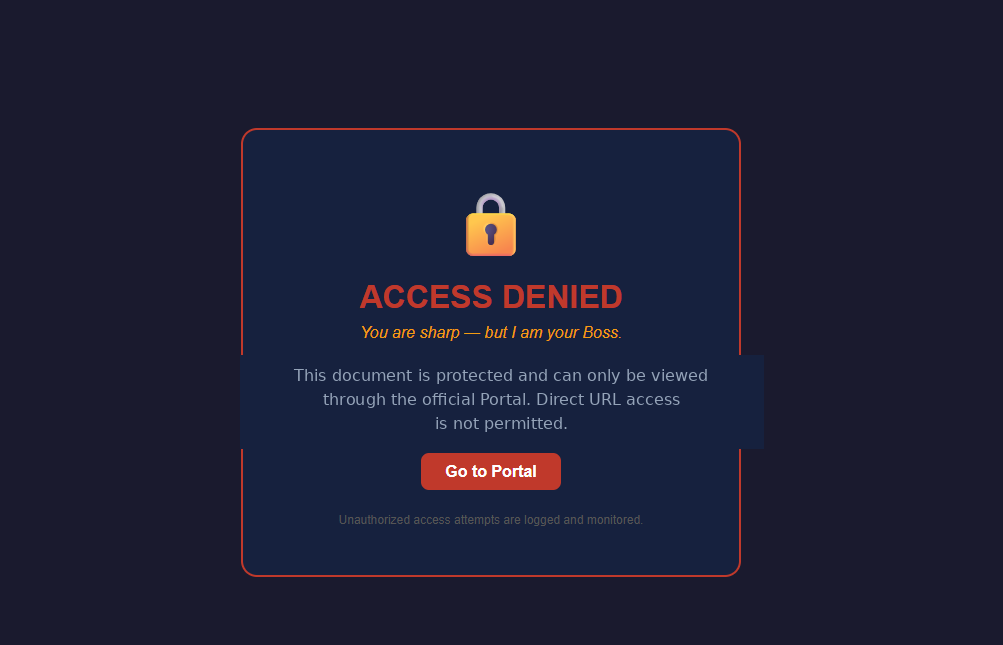
That “Access Denied” screen was the first wall I hit — smug, almost taunting, with its “you are sharp, but I am your Boss” line daring me to try harder. Whoever built it had clearly done their homework: DevTools access was restricted, familiar shortcuts were blocked, and casual inspection got shut down fast. But security built in layers only holds if every layer is sealed. Digging a little deeper, I found one small gap the developer had overlooked — a thread they’d forgotten to tuck away. It was enough to pull on.
So I got curious. Working through the page with a few small JavaScript snippets, I started poking at how the content was actually being loaded and rendered. Within minutes, I had full access to the “protected” document — no exploits, no brute-force hacking, nothing sophisticated. Just a basic understanding of browser behavior that the site’s developers hadn’t accounted for. What looked like a security wall was really just a curtain — convincing from a distance, but see-through the moment you stepped closer.
It was a quiet but powerful reminder: interface restrictions are not security controls. A hidden button might stop a casual user from right-clicking, but it does nothing against anyone who understands how the web actually works underneath the surface.
Real protection isn’t built from what users can’t click — it’s built from what the server actually enforces: proper authentication, time-limited or signed document access, watermarking tied to individual users, and audit logs that track who accessed what, and when. These measures don’t promise a document can never be copied — nothing truly does — but they create real friction and real accountability, instead of a false sense of safety.
I’m not naming the site or detailing the exact technique — that’s not the point, and responsible disclosure matters more than the story. The point is this: security built on hiding browser features is security built on sand. Sooner or later, someone curious enough will find the door you thought you’d hidden.